Enhancing Team Capabilities
Considering gameplay from different perspectives and combining them is something we've always been doing.
-
4.9/5.0Reviews
-
500k+Downloads
Features
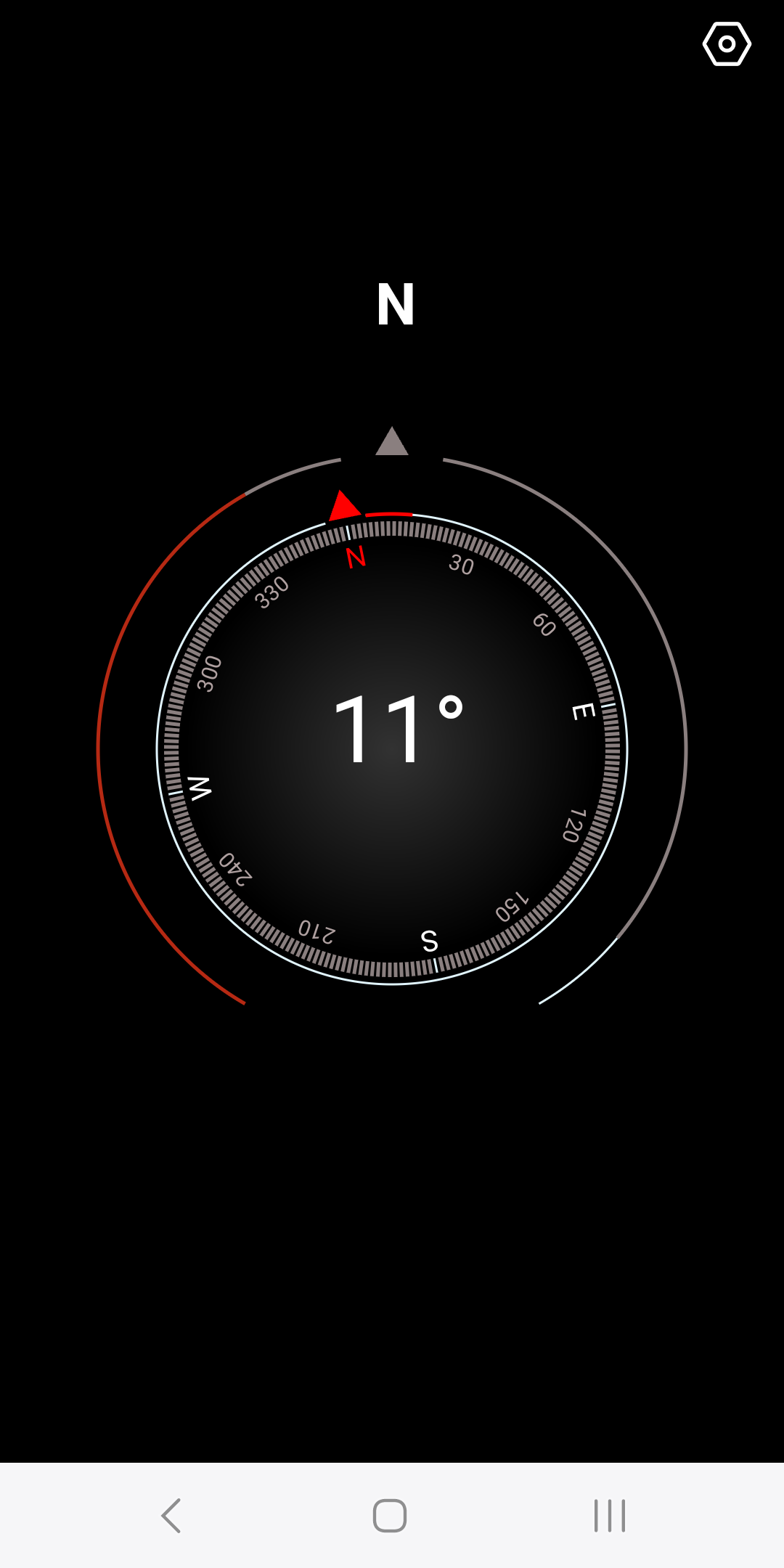
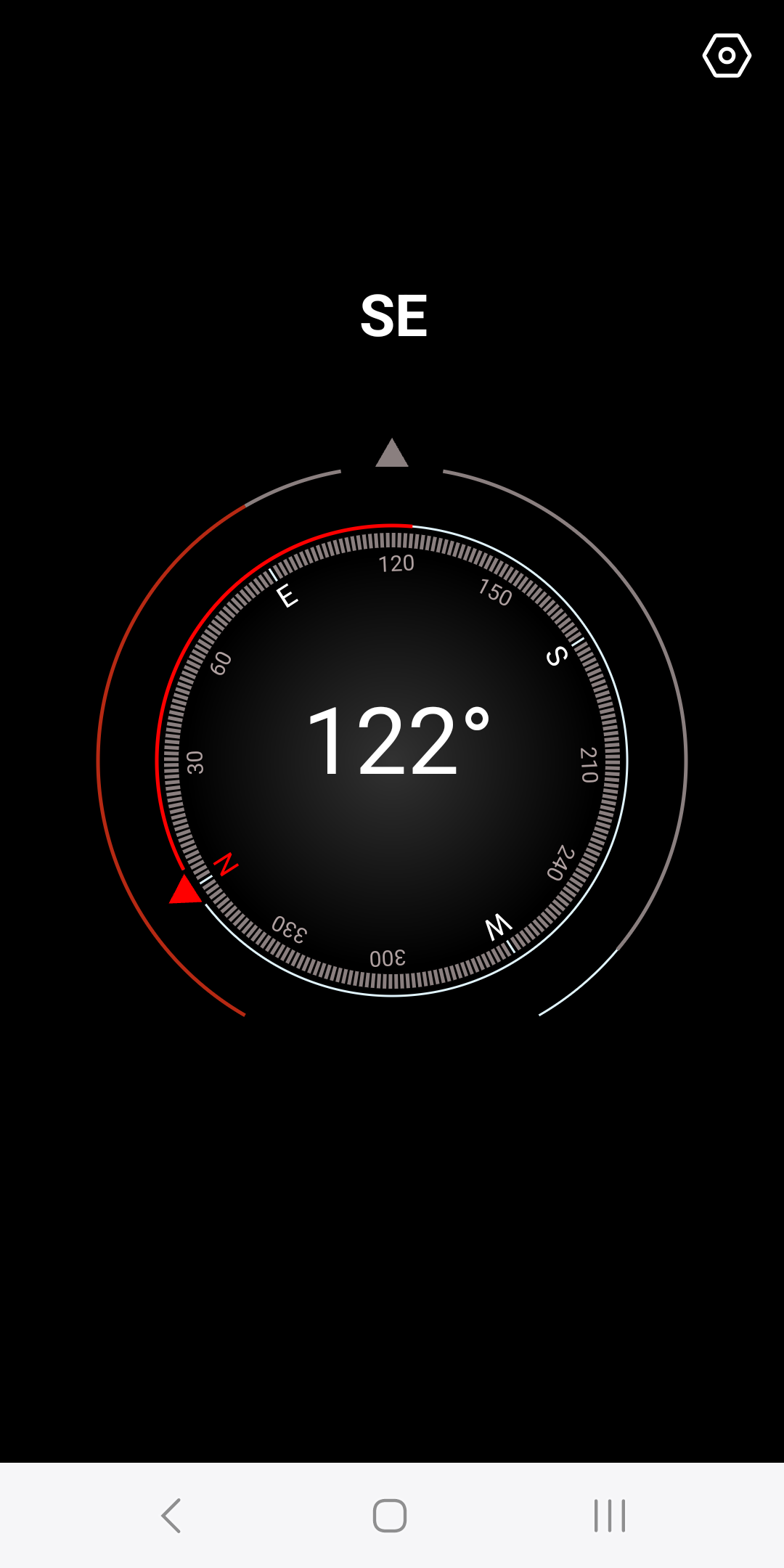
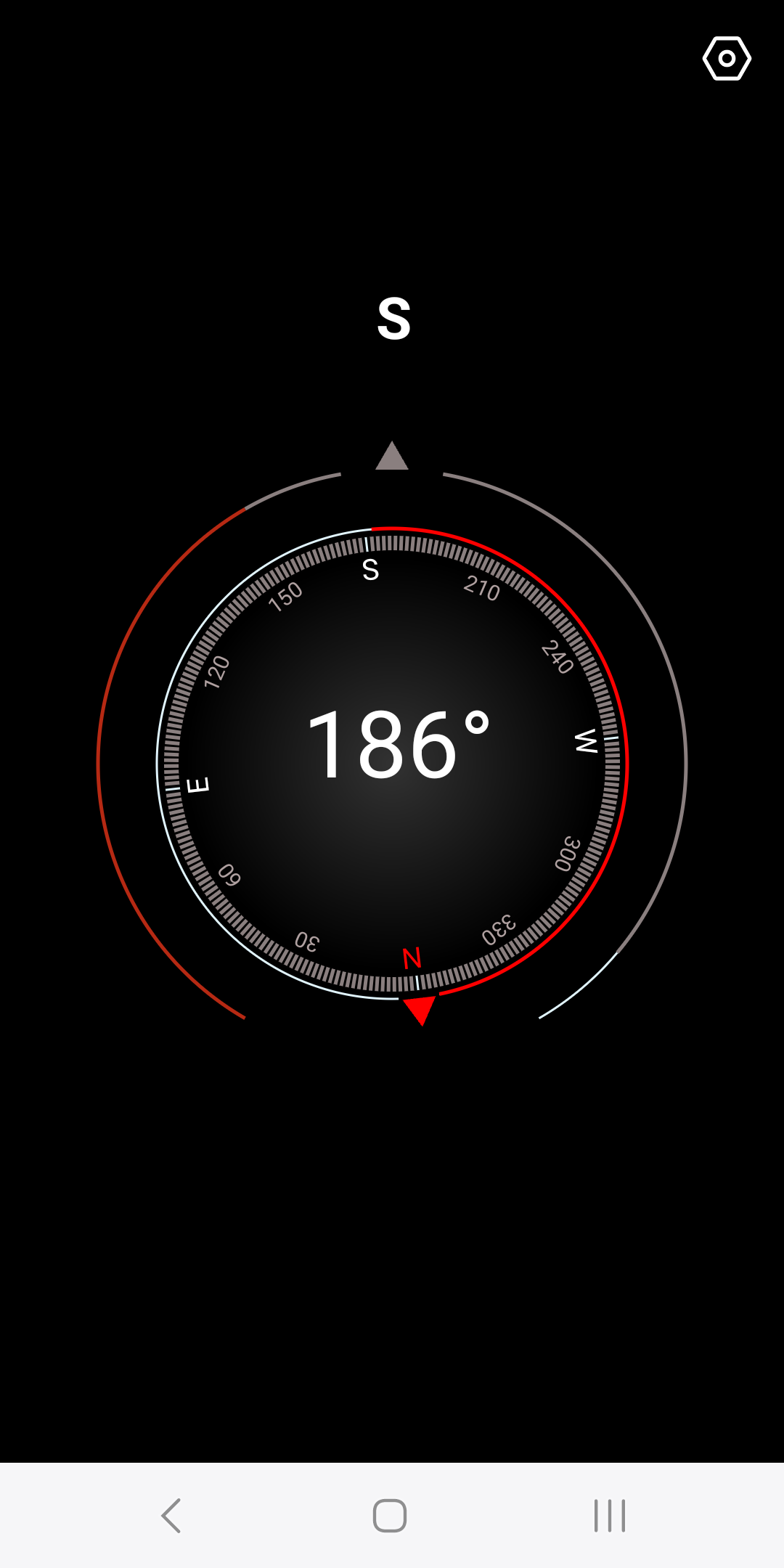
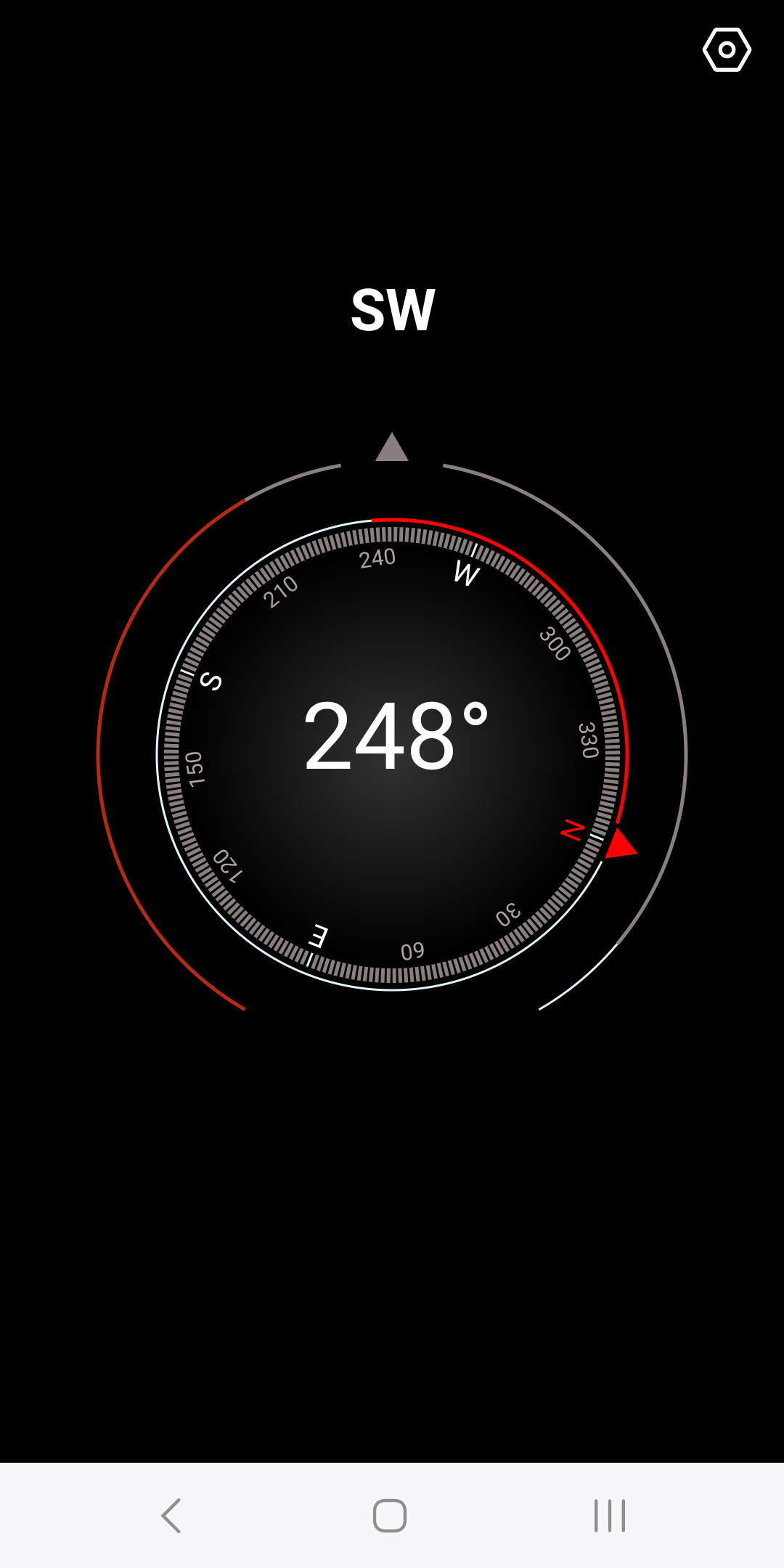
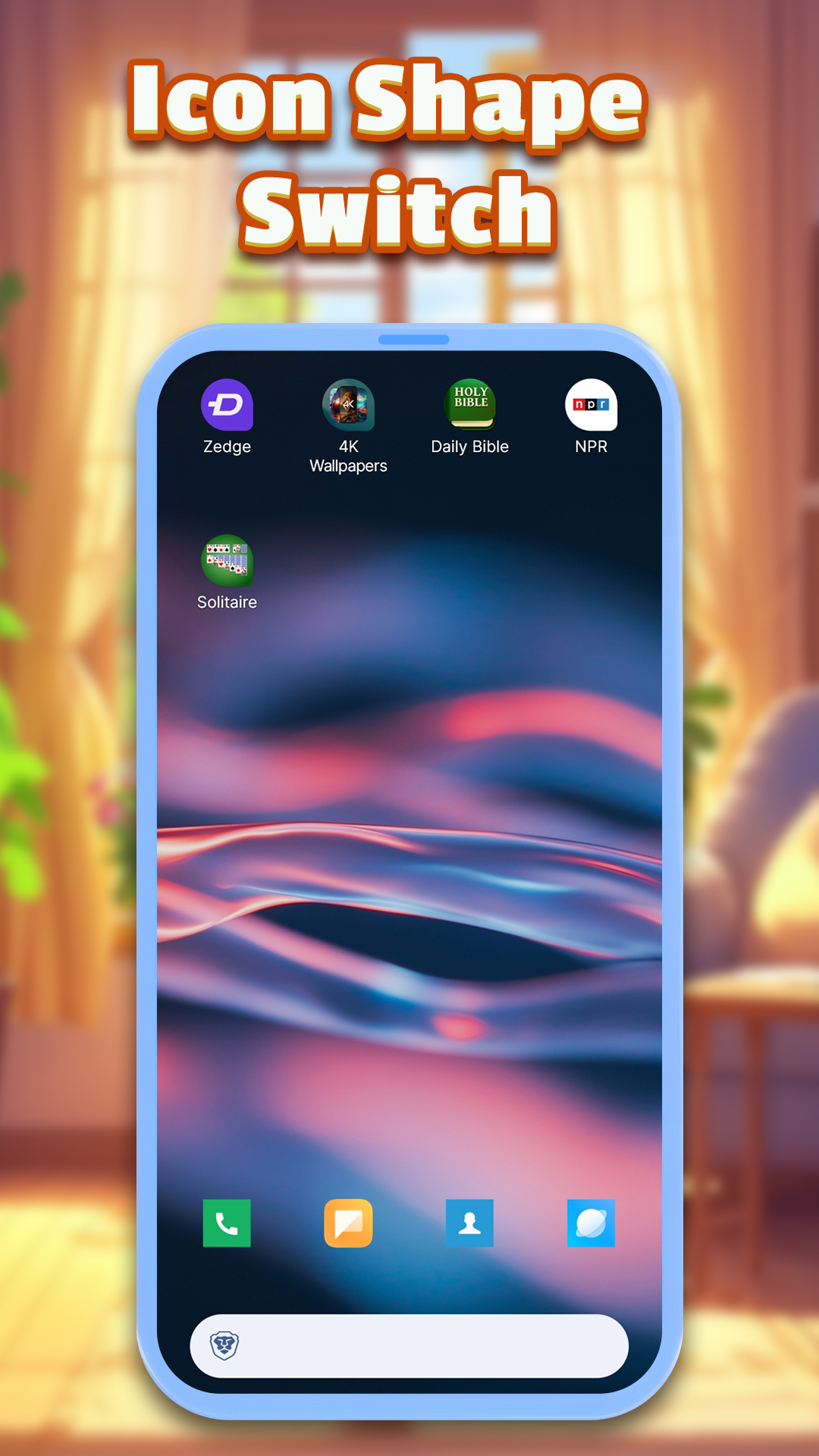

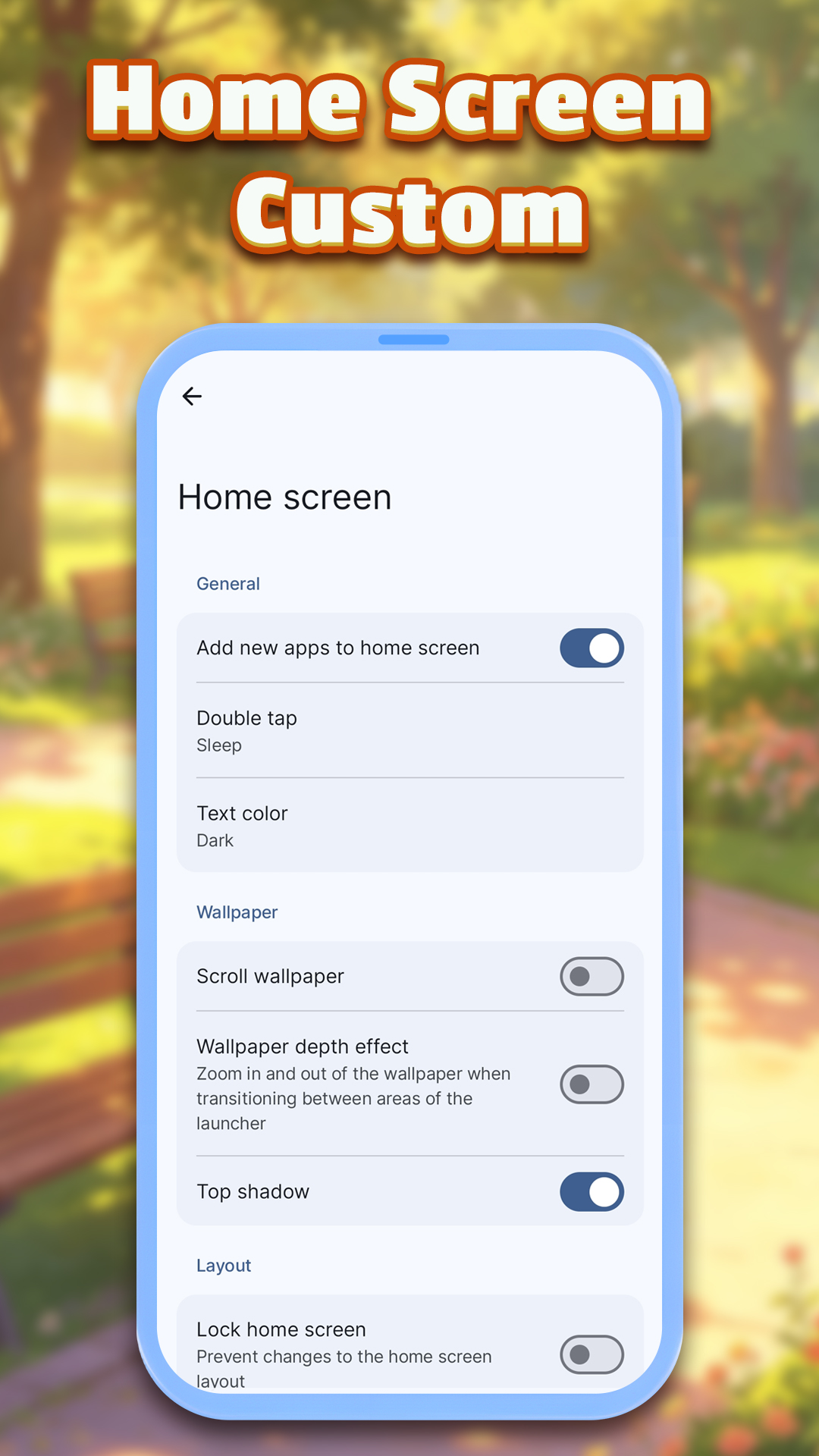
What Our Users say
 msvystun
RSP2019
msvystun
RSP2019
 Mike Juni
 correy_lawson
FAQ
Application core positioning:
This is an application that integrates practical and launcher functions. We have carefully designed diverse gesture operations and convenient entrances on the main interface. Simply tap the icon on the left side of the page, and users can quickly access various functions, bringing you an efficient and smooth user experience.
Application layout instructions:
When you set this app as the default home screen launcher, all your apps will be stored in the app drawer. By sliding up from the bottom of the screen, you can open the app drawer and easily find and launch the target app.
Restore default home screen settings:
Approach 1: Go to the system settings page, adjust the default home screen options, and select the launcher you want to use. Please note that the settings entry may vary among different Android devices.
Approach 2: Long press this application icon on the home screen, select "reset homescreen", and it will guide you to the relevant settings page for operation.
Main functions and usage:
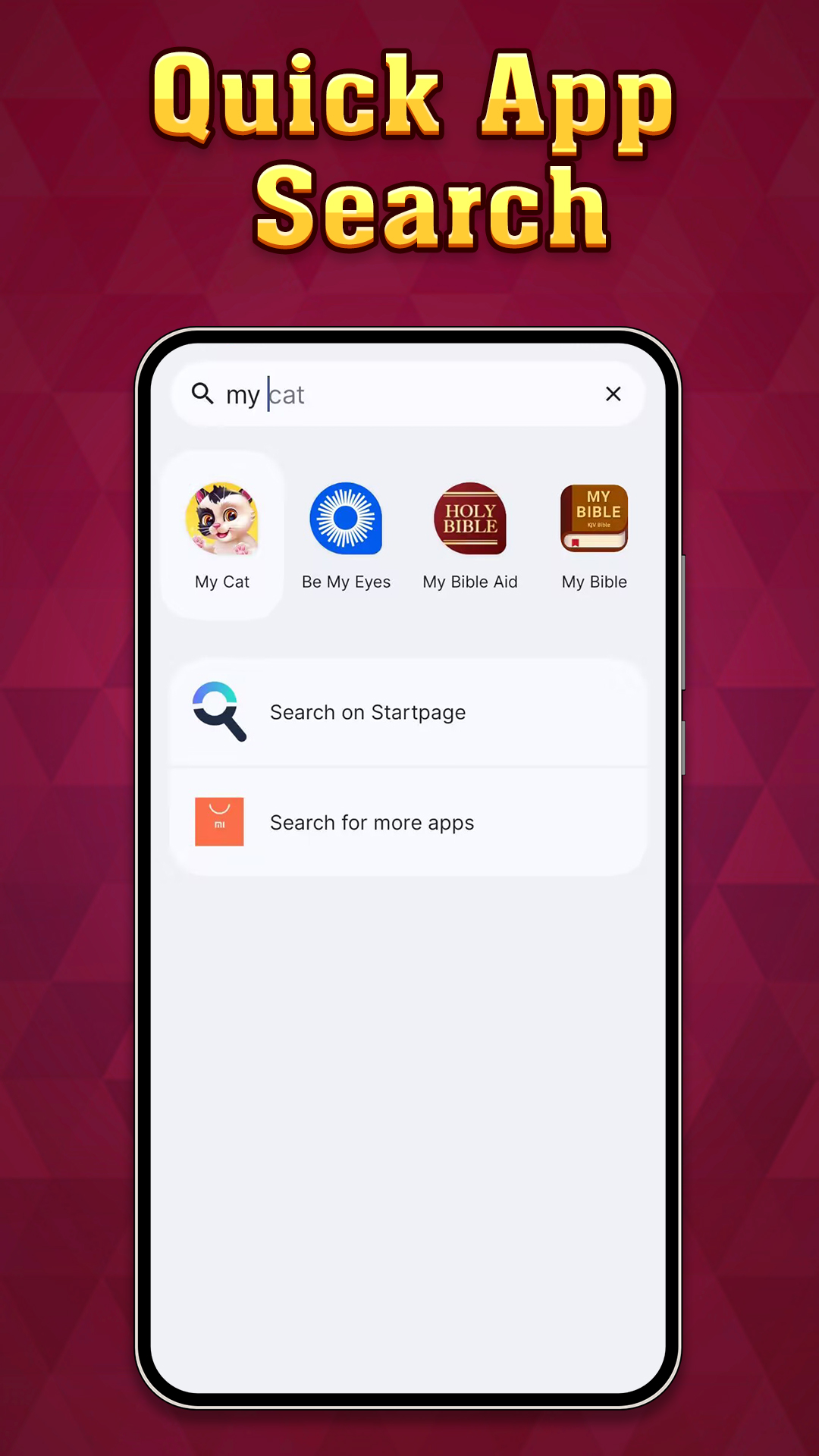
Quick tool call: Click the icon on the left side of the main screen to immediately access the function.
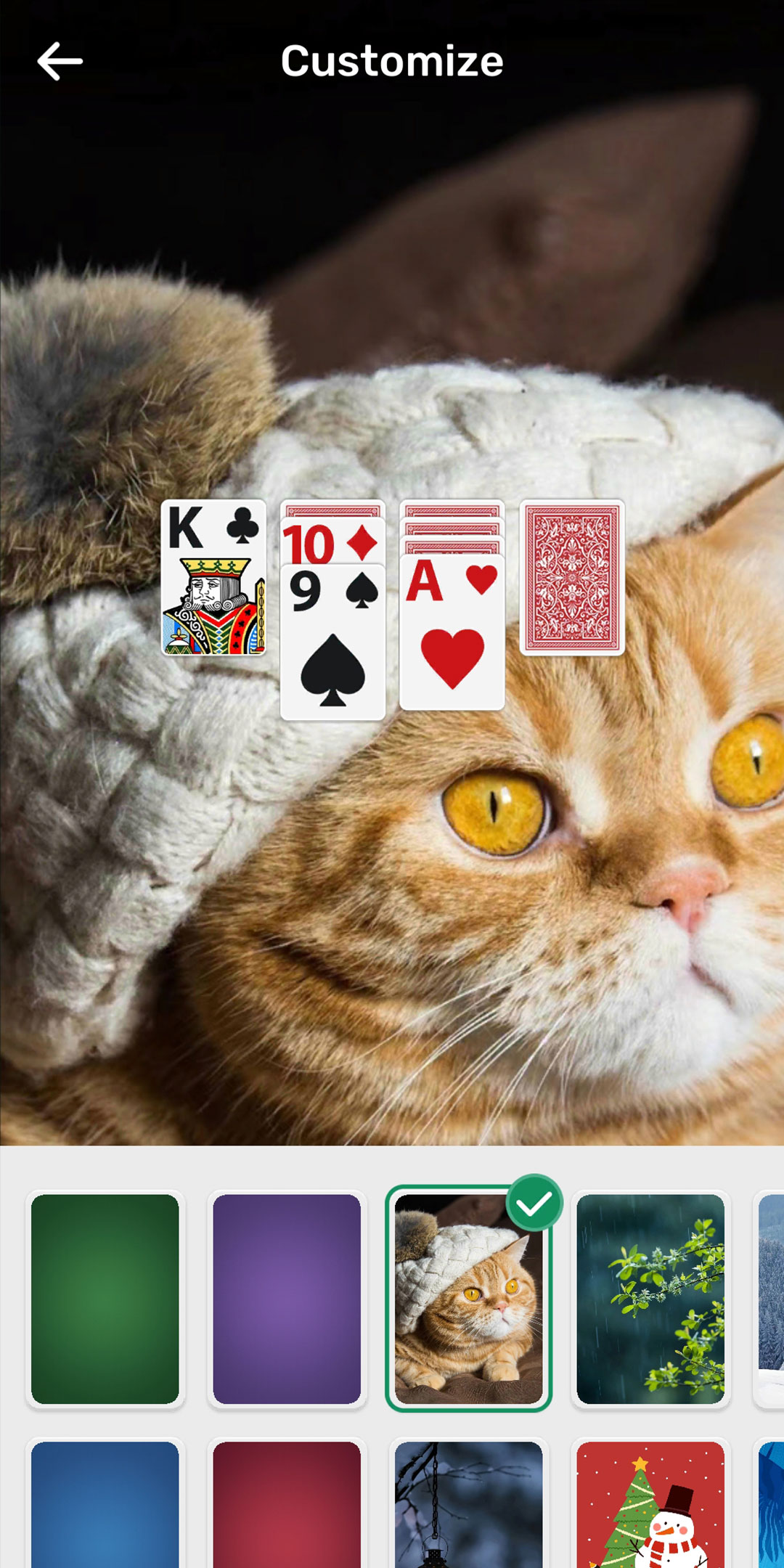
Personalized home screen customization: You can freely arrange application icons on the home screen to create a personalized layout.
Permission related issues:
Even if default home screen permissions are not granted, you can still use the content of this application normally.
Uninstalling App Guide:
Method 1: Search for the name of this app in the app store and click the "uninstall" button.
Method 2: Find the app icon in the app drawer, long press and select the "uninstall" option.
Tip: If uninstallation is not possible, it may be due to the app still being set as the default home screen launcher, which is usually blocked by the Android system. At this point, please set other applications as the default launcher before attempting to uninstall. The specific operation method may vary slightly depending on your Android device model.
